Vibe Coding on iPhone
@Creed_Shen|Feb 2, 2026 (2m ago)42 views
This is my fully free setup for vibe coding on an iPhone, anytime and anywhere.
The tools are: Tailscale, Tmux, and Termius.
Tailscale creates a secure connection between your Mac and iPhone. Tmux keeps your SSH context alive. Termius is the terminal app on iPhone (you can use any SSH app you prefer).
Installation
Install Tailscale from the App Store on both Mac and iPhone.
iPhone: Tailscale (App Store)
Install Tmux with Homebrew: brew install tmux
Install Termius from the App Store: Termius (App Store)
Basic setup
Set up Tailscale first: sign up/sign in (I use Google login), add the Tailscale VPN profile, and turn it on.
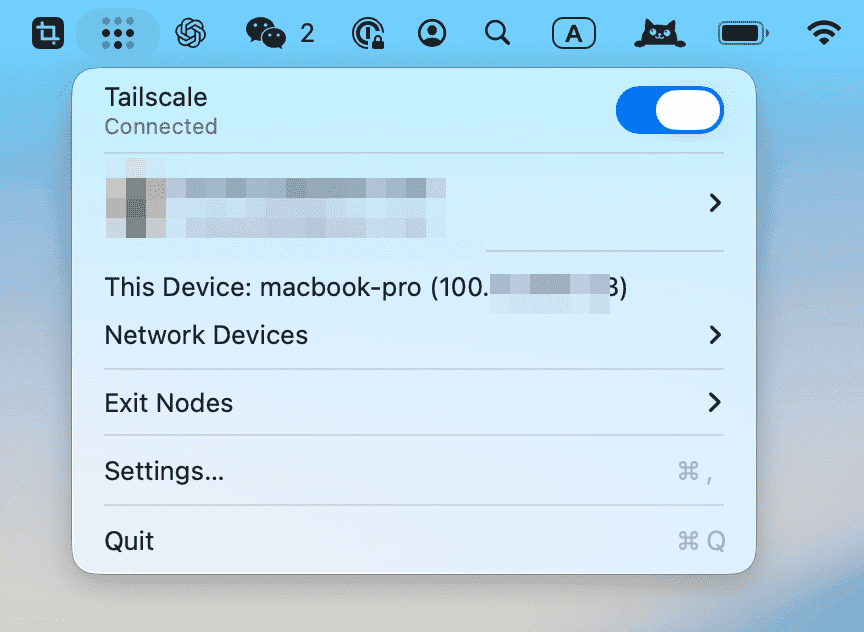 Tailscale on Mac
Do the same on iPhone: sign in, add the VPN profile, and turn it on.
 Tailscale on iPhone
Now your iPhone and Mac have an encrypted link.
Open Termius and add a Host in Vaults - Hosts. Use your Mac's Tailscale IP (100.x.x.x). For Username and Password, use your Mac login credentials. Save it, then tap that host to connect.
At this point, you can already vibe code from your phone.
Tmux
For a better experience, you should use Tmux.
Tmux lets you continue your previous session every time you reconnect to your Mac, instead of starting from scratch. Whether it is a Claude Code session or a debug terminal, everything stays there. You can run multiple windows and switch between them.
Start with these basic commands:
tmux new -s test -n claude creates a session named test and names the first window claude. Start Claude Code there.
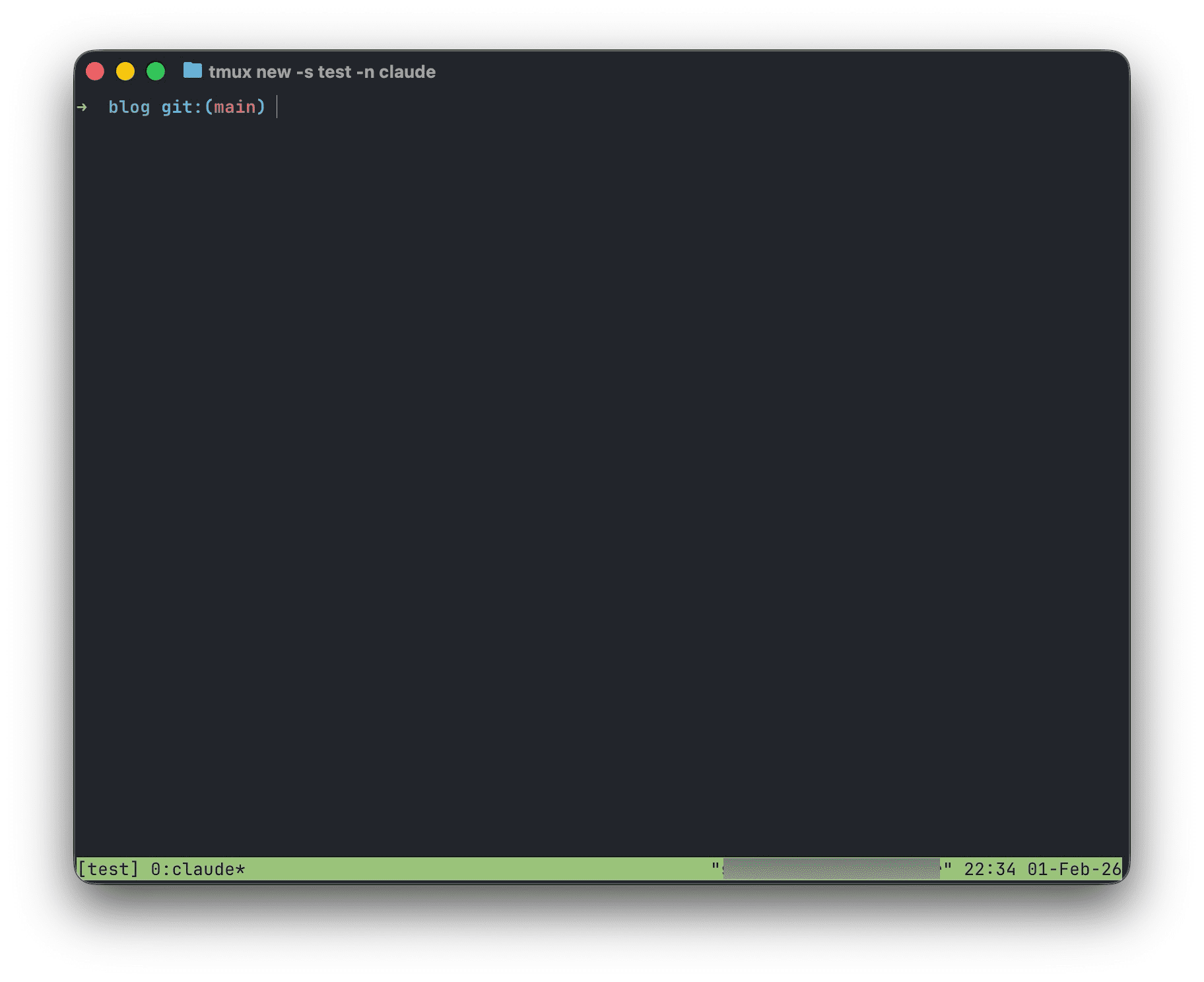 Tmux
Tmux
tmux new-window -n dev creates a new window named dev. Run commands like npm dev there.
tmux detach leaves the current session.
When reconnecting from iPhone, run tmux attach -t test to re-enter the test session.
tmux select-window -t codex switches to the codex window.
tmux select-window -t dev switches to the dev window.
Other useful commands:
tmux ls lists all sessions.
tmux list-windows -t test lists windows in session test.
tmux kill-session -t test terminates session test.
tmux rename-session -t test newname renames session test to newname.
Finally, enable mouse mode:
Temporary (works immediately, resets after Tmux restart): run tmux set -g mouse on in any Tmux session.
Permanent (recommended): add set -g mouse on to ~/.tmux.conf
Then run tmux source-file ~/.tmux.conf
Now you can scroll terminal output in Termius via touch.
Other tips
If you use a MacBook, in Settings - Battery turn on "Prevent automatic sleeping on power adapter when the display is off" and "Wake for network access", and keep it plugged in.
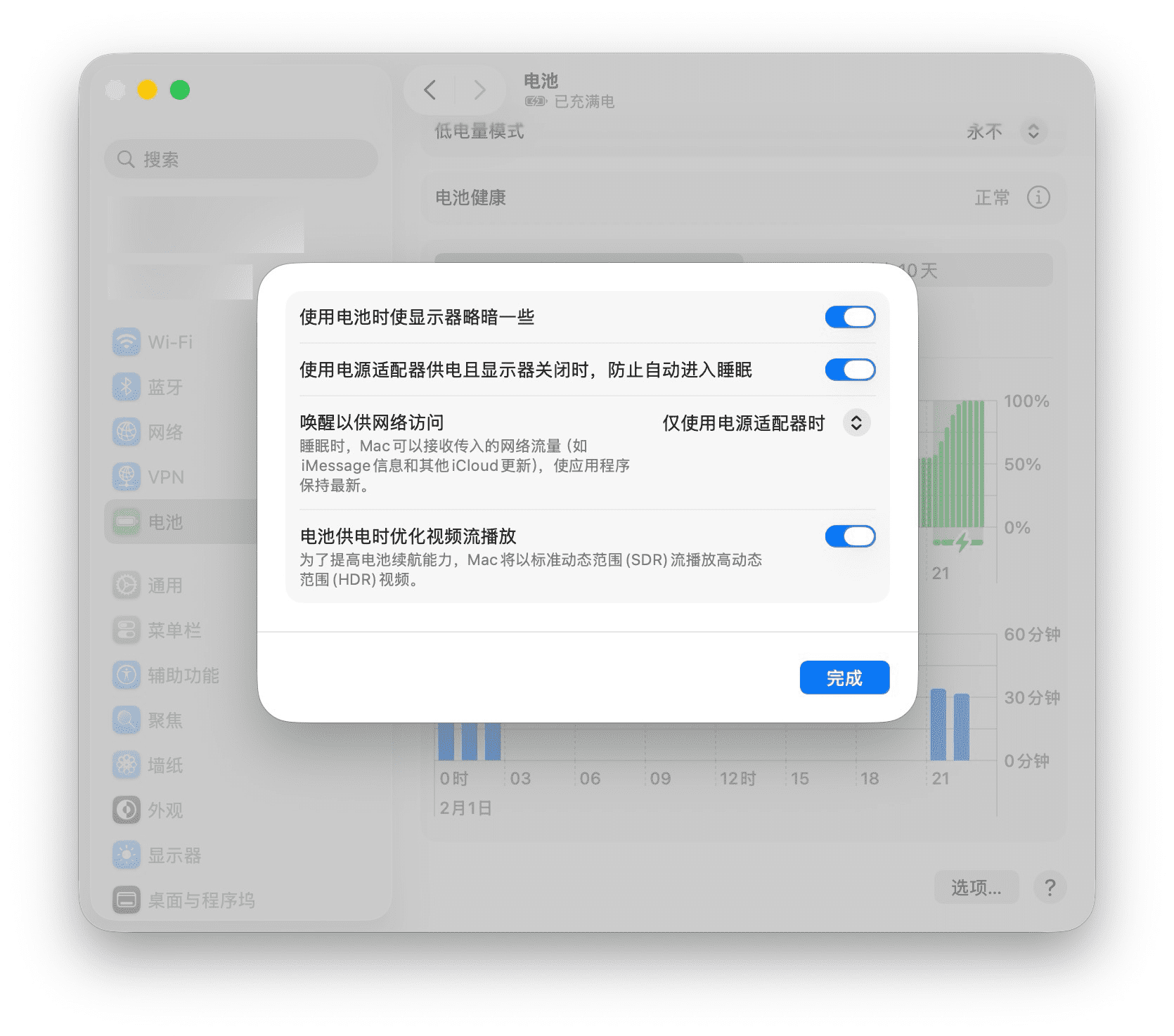 Battery Setting
On iPhone, you cannot run Tailscale and Shadowrocket / Quantumult X VPN at the same time. Fortunately, both Tailscale and Shadowrocket provide Control Center toggles, so switching is quick.
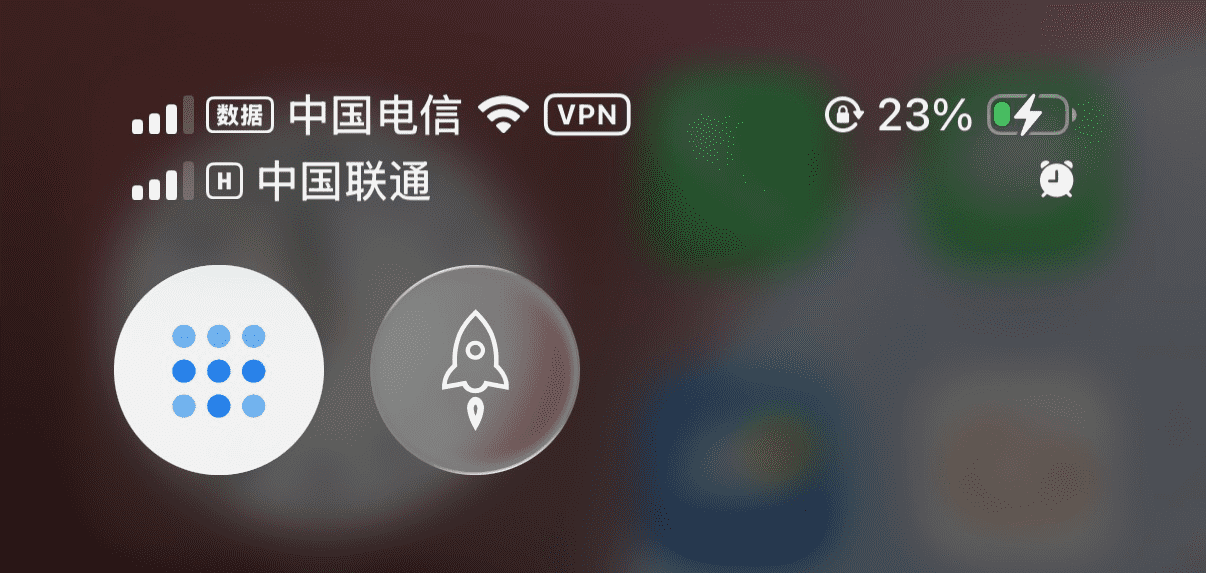 Control Center